Technology that feels simpler
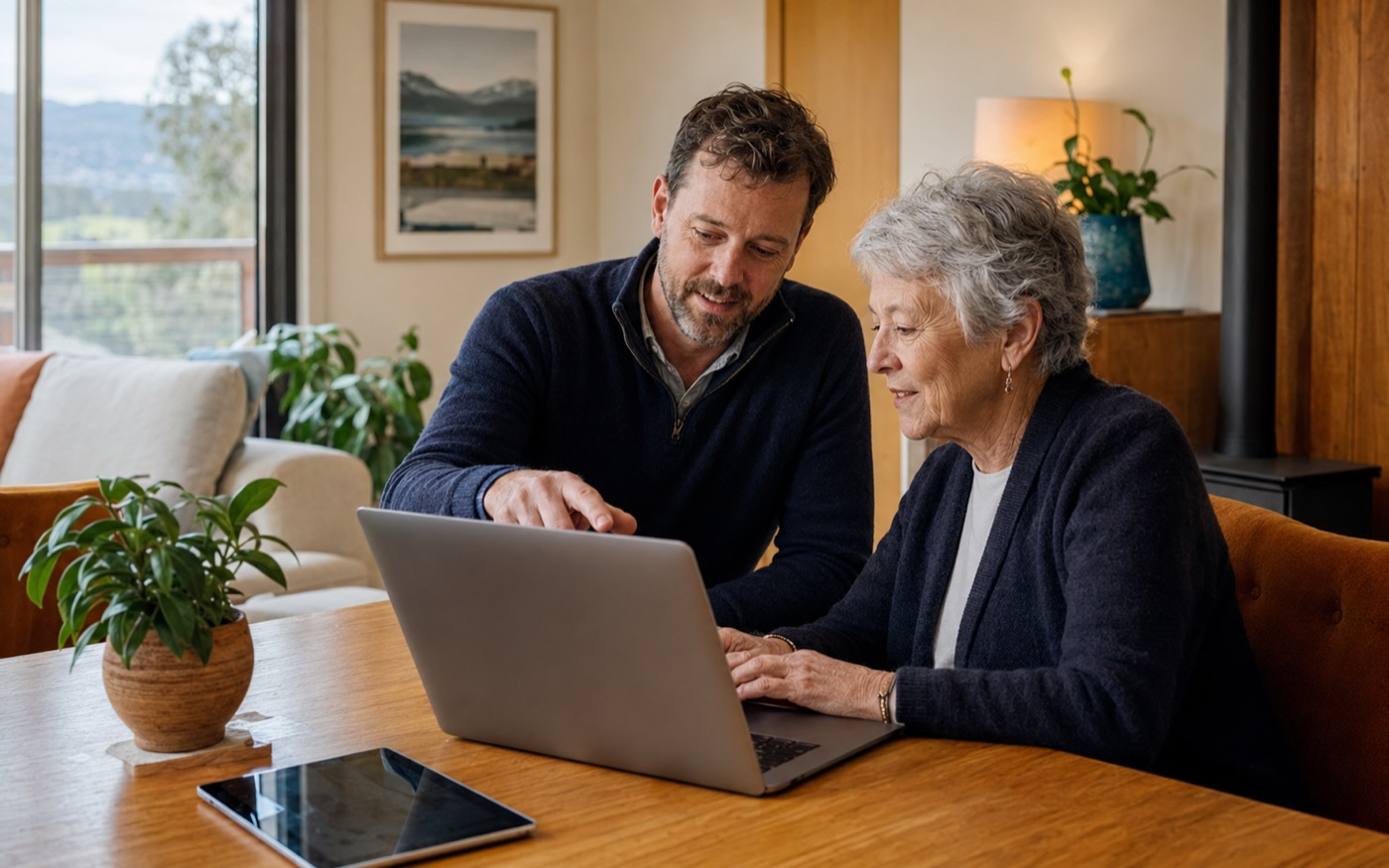
Get patient, step-by-step help without jargon or being rushed.
Patient, in-home support · Greater Hobart
Friendly help for older Hobart residents and anyone who wants computers, phones, Wi-Fi and everyday technology explained clearly and at their pace.
Clear outcomes
Get patient, step-by-step help without jargon or being rushed.
Resolve everyday device, internet and setup problems where you use the technology.
Understand what changed, how to use it and the warning signs of common online scams.
What’s included
Every job starts with understanding the real problem. You’ll get sensible options, straightforward recommendations and no unnecessary jargon.
A good fit for
How it works
You or a family member can explain the problem and arrange a suitable home visit.
Donny works through the issue carefully, removes unnecessary complexity and explains each important change.
You receive a simple summary of what was done and any sensible next steps.
Common questions
No. It is for anyone who wants patient, plain-English technology help at home, with particular care for older adults and their families.
Yes. An adult child or trusted family member can organise the appointment and is welcome to attend, especially when accounts or sensitive information are involved.
Sometimes you may need to enter a password yourself to complete a setup. Mighty Tech will not ask for banking PINs, make financial transactions on your behalf or retain your passwords after the visit.
No. Mighty Tech can help secure devices and accounts, but suspected financial fraud should be reported immediately to your bank and the appropriate authorities.
A$149 covers the first hour of an onsite home visit within Greater Hobart. Any additional time, travel outside the standard service area, hardware or subscriptions will be discussed before extra costs are incurred.
Let’s get it sorted
Share a few details and Mighty Tech will get back to you with a practical next step.